FDM vs Resin Printers: Which Technology Should You Buy First?
Introduction
Affiliate Disclosure: As an Amazon Associate, 3D Shopper earns from qualifying purchases. This does not affect our recommendations.
If you’re new to 3D printing, the first big question is whether to buy an FDM or resin printer. It’s not a simple choice, and the answer depends heavily on what you actually want to make. This guide breaks down the fdm vs resin printers debate to help you decide. We’ll compare print quality, speed, materials, costs, and the often-overlooked post-processing workload. By the end, you’ll know which technology fits your budget, space, and project goals. Making the right choice here can mean the difference between a frustrating first experience and a rewarding new hobby.. For more on this, see our guide on Industrial 3D Printers vs Desktop: When to Make the Switch.
How FDM and Resin Printing Actually Work
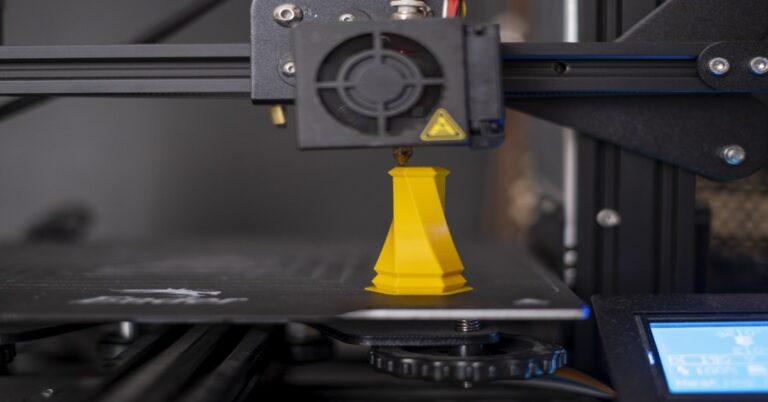
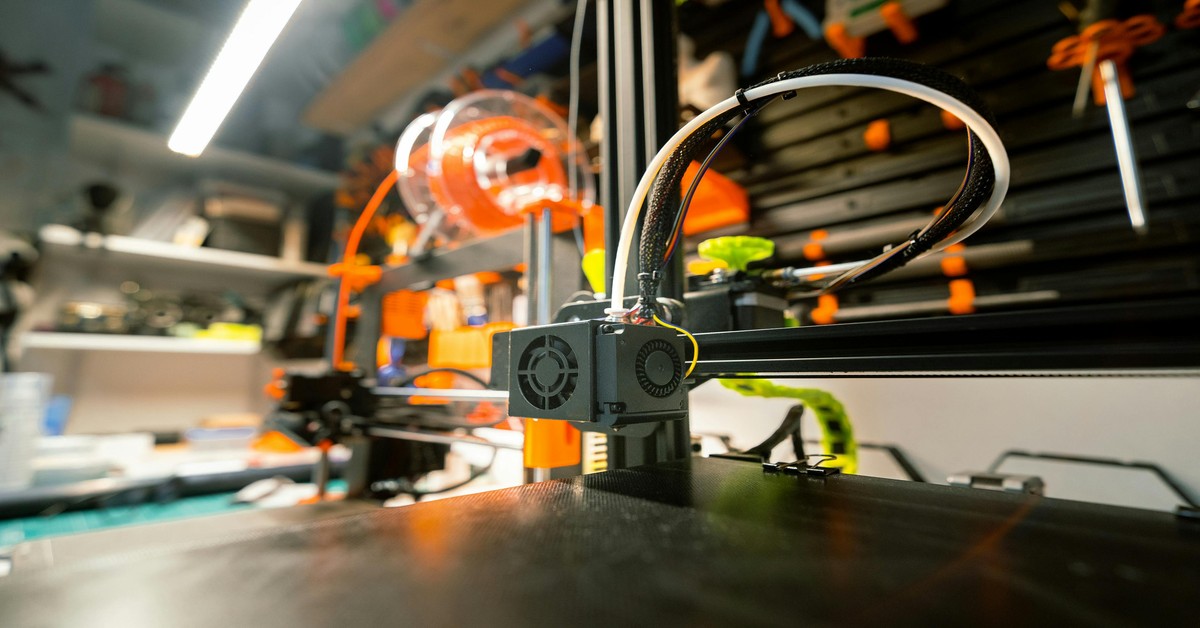
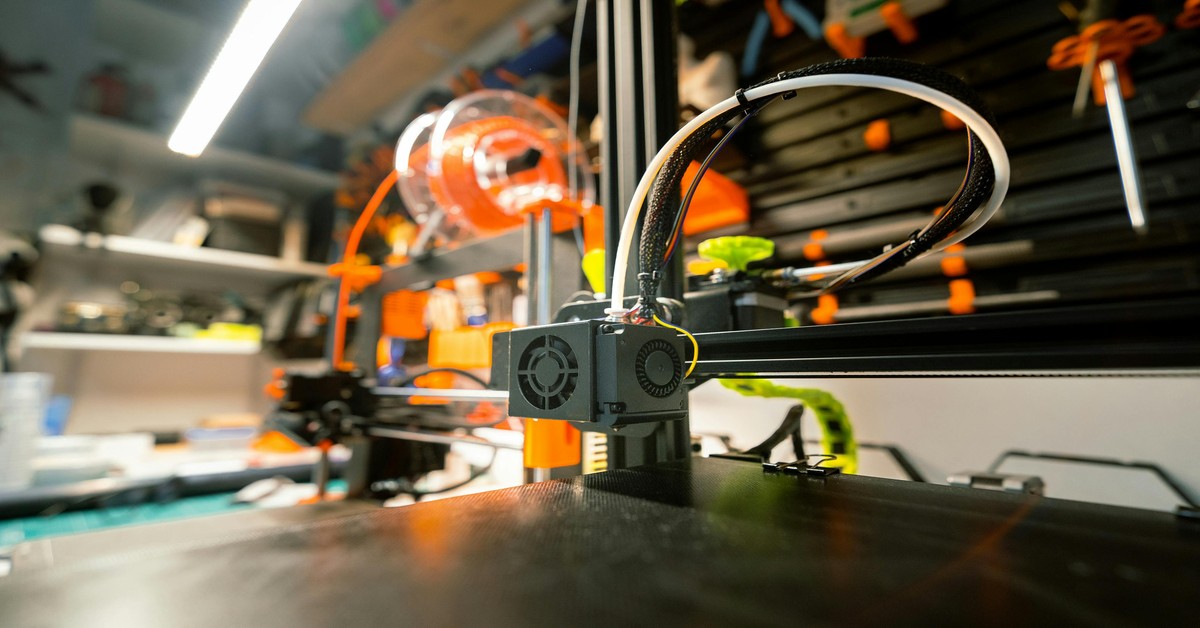
Fused Deposition Modeling (FDM) melts plastic filament—usually PLA or PETG—and extrudes it layer by layer through a heated nozzle. The print head moves in the X and Y axes, and the build plate lowers after each layer. It’s the most common type of 3D printing, similar to a hot glue gun but much more precise. Materials range from rigid PLA and tough PETG to flexible TPU and engineering-grade nylon.
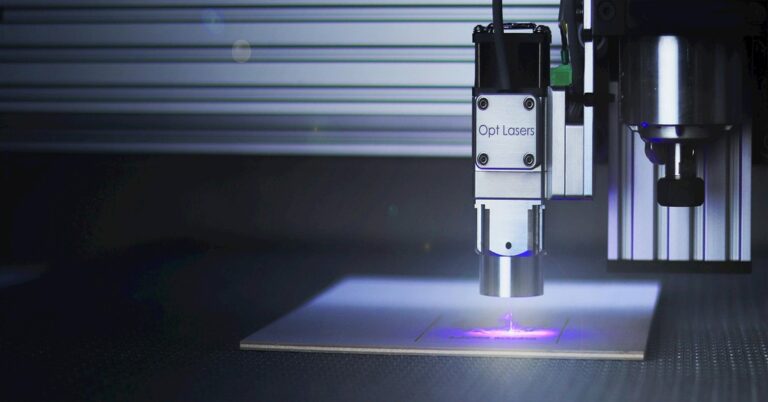
Stereolithography (SLA) and Digital Light Processing (DLP)—often grouped as resin printing—use a UV light source to cure liquid resin into solid plastic. The build plate lowers into a vat of resin, and each layer is hardened by UV light. The result is incredibly detailed parts with smooth surfaces. Resins come in many varieties: standard, tough, durable, castable, and flexible. The tradeoff is that resin printing involves handling messy chemicals and requires dedicated post-processing steps.
Understanding what’s happening inside the machine helps explain why FDM is better for functional parts and resin excels at high-detail models. Beginners who want a simple way to get started may find it worthwhile to browse a selection of PLA Filament and see the material variety available for FDM printing.
1. Print Quality and Detail: Which Looks Better?
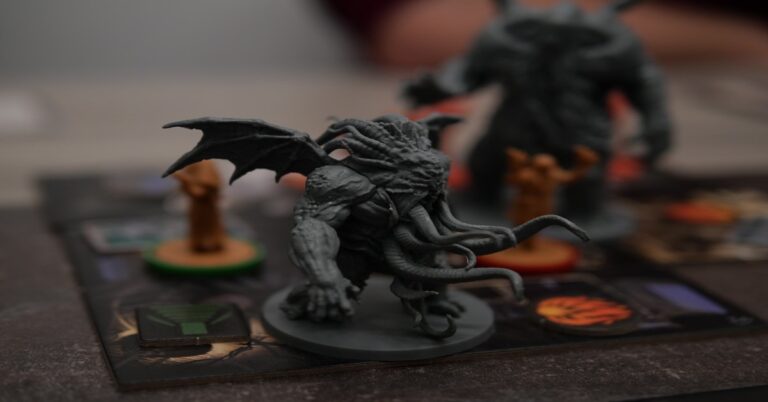
Resin wins this category without contest. Standard resin prints at 50 microns or finer, producing smooth surfaces with barely visible layer lines. This makes it the go-to choice for miniatures, jewelry, dental models, and detailed figurines. If you’re printing a D&D mini or a small statue, resin captures fine textures and sharp edges that FDM can’t match.
FDM printers typically print at 100 to 200 microns. Layer lines are visible, especially on curved surfaces. You can partially hide them by sanding, using acetone vapor smoothing (with ABS), or applying a primer and paint. But even with post-processing, an FDM print won’t match resin’s surface finish. That said, FDM is completely adequate for functional parts like brackets, enclosures, and tools where appearance isn’t the priority.
Verdict: Choose resin if visual detail is your top priority. Choose FDM for functional prints where surface finish is secondary.
2. Speed: Which Printer Finishes First?
FDM is generally faster for printing a single large object. A two-hour print on an FDM printer might take six to eight hours on a resin machine for the same part height. But resin has a unique advantage: it can print multiple parts simultaneously without adding much time. The entire build plate cures at once, so printing one miniature or a dozen takes almost the same amount of time.
For example, if you’re printing a batch of twenty 28mm miniatures for a wargame, a resin printer will finish them all in one session. An FDM printer would need to queue them up one by one, taking significantly longer. However, if your goal is a single, large terrain piece, FDM will often be the faster option.
Misconception alert: Many beginners assume resin is faster. It’s not—FDM is still the speed king for single, large prints. Resin only wins for batch production of small parts.
3. Material Options and Strength: What Can You Print?
FDM offers a much wider range of engineering-grade materials. PLA is easy to print and biodegradable but brittle. PETG is stronger, more flexible, and resistant to chemicals. TPU is rubber-like. ASA and nylon are used for automotive and industrial parts. You can also print with Carbon Fiber or glass fiber infused filaments, though they require hardened nozzles. This makes FDM the clear choice for functional prototypes, tools, jigs, fixtures, and outdoor parts.
Resin materials are specialized. Standard resin is brittle and can shatter under impact. Tough and durable resins mimic ABS or polypropylene, but they’re more expensive and still require careful post-processing. Castable resins are used for jewelry investment casting. Dental and medical grades exist for professional applications. While resin materials are improving, they can’t yet match the toughness, heat resistance, or flexibility of FDM filaments.
Bottom line: For real-world strength and material flexibility, FDM wins. Resin is best for high-detail aesthetic prints with specific application needs. For those printing functional prototypes, PETG filament is a practical choice for its improved durability over standard PLA.
4. Setup and Learning Curve: Easiest to Start
FDM printers vary dramatically in setup complexity. Budget models like the Creality Ender 3 require manual bed leveling, nozzle cleaning, and calibration tweaks. More recent machines like the Bambu Lab A1 Mini are nearly plug-and-play, with auto-leveling and easy filament loading. Still, most FDM printers need some learning around bed adhesion and temperature settings.
Resin printers are simpler mechanically: you level the build plate, pour in resin, and start. But that simplicity hides a messy and safety-critical setup. You need gloves, a respirator mask, and a well-ventilated area. The fumes from uncured resin are toxic, and skin contact can cause irritation. Spills are a hassle to clean. If you’re an absolute beginner, FDM is generally the safer, less stressful first printer. Nitrile gloves are a necessary safety item when handling any resin materials.
Popular beginner-friendly FDM models include the Bambu Lab A1 Mini, Creality Ender 3 V3, and Anycubic Kobra 2. For resin, the Anycubic Photon Mono 2 and Elegoo Mars 4 are solid starting points.
5. Cost Comparison: Printer, Materials, and Hidden Expenses
Initial printer costs are similar: you can get a decent FDM printer for $200–$400, and a resin printer for $150–$500. Material costs differ noticeably. FDM filament runs $20–$40 per kilogram. Resin costs $30–$60 per kilogram. That’s a 50–100% premium per print.
The hidden costs of resin add up fast. You need isopropyl alcohol (IPA) for cleaning, which you’ll go through quickly. Nitrile gloves and a proper respirator mask are non-negotiable. A wash and cure station ($80–$150) saves time but adds expense. UV lamps for post-curing cost extra. Resin also produces waste—those alcohol-soaked paper towels and leftover resin are hazardous and can’t go in the regular trash.
FDM’s hidden costs are much lower: a glass build plate, a better nozzle, or a Filament Dryer are optional upgrades. You can start printing with just the printer and a spool of PLA.
For casual users, FDM is significantly cheaper over the first year. If you’re on a tight budget, that matters.. For more on this, see our guide on Best 3D Printer Kits for DIY Enthusiasts and Builders.
6. Space and Safety Requirements
FDM printers are forgiving. You can put one in a garage, spare room, or home office. PLA emits a faint, sweet smell from heated plastic—harmless but noticeable. ABS and nylon produce stronger fumes, so ventilation helps. A simple enclosure from an IKEA Lack table keeps dust out and contains odors. No special safety gear is needed beyond common sense.
Resin printers demand more. Fumes from uncured resin are toxic, so you need a well-ventilated area or a dedicated workspace with an exhaust fan. Children and pets must be kept away from the printer and all handling areas. UV light exposure from the curing process can cause eye strain. You’ll wear gloves, a mask, and ideally a lab coat. This isn’t optional—it’s a requirement for safe operation.
Before buying a resin printer, honestly assess your home. Is there a room you can isolate and ventilate? If not, FDM is the safer choice.
7. The Post-Processing Workload
This is where many beginners get surprised. FDM post-processing is optional. You can remove supports with pliers, sand rough spots, and paint if you want. Many functional prints don’t need anything beyond support removal. A quick wipe with acetone or a light sanding can improve surfaces. It’s entirely your choice.
Resin post-processing is mandatory and messy. Every print must be washed in IPA to remove uncured resin, then cured under UV light for several minutes. Supports are often stickier and harder to remove cleanly. You’ll handle wet, sticky prints covered in alcohol. It’s a routine that takes 10–20 minutes per print, plus cleanup. The smell of IPA and cured resin lingers. If you print frequently, you’ll develop a workflow, but it’s never zero-effort.
One tip: consider a wash and cure station early on. It cuts the mess and time significantly. UV cure lamps ($20–$40) are also useful for post-curing without the station.
Common Mistakes to Avoid When Choosing Your First Printer
Mistake 1: Buying a printer without understanding material needs. If you plan to print tough, functional parts, resin won’t work well. Check what materials are available and what you actually want to make.
Mistake 2: Ignoring odor and safety requirements. Beginners often underestimate resin fumes. If you can’t ventilate a room, don’t buy a resin printer. FDM with PLA is much safer for shared spaces.
Mistake 3: Forgetting build volume. FDM printers have larger build volumes (220x220x250 mm is common). Resin printers are smaller—around 120x68x160 mm for a typical model. Make sure your planned prints will actually fit.
Mistake 4: Choosing resin purely for detail without understanding the workload. Resin produces beautiful prints, but every single one requires washing, curing, and careful support removal. If you’re impatient or short on time, this will frustrate you.
Mistake 5: Buying the cheapest model without researching reliability. A $150 resin printer that constantly fails to cure properly is a headache. Read reviews for reliability, not just price. Spending an extra $50 often saves hours of frustration.
Decision Guide: Which Printer Is Best for You?
Choose FDM if:
- You want to print functional parts, tools, brackets, or prototypes
- You need larger prints (over 150mm in any dimension)
- You want cheaper prints and lower ongoing costs
- You’re a beginner who wants a simpler, cleaner experience
- You can’t dedicate a ventilated room for the printer
- You’re patient with post-processing but not a stickler for surface perfection
Choose resin if:
- You need high-detail miniatures, figurines, or jewelry
- You’re willing to handle messy, chemical-heavy post-processing
- You can set up a dedicated, ventilated workspace away from family areas
- You print mostly small parts and want them all to come out precisely
- You’re not on a tight budget and can afford consumables
Think about your primary use case. If you’re a cosplayer making helmets, choose FDM. If you’re a tabletop gamer printing armies, resin is more efficient. If you’re prototyping parts for a project, FDM is the better tool. There’s no universal winner—only the right fit for your specific needs.
For a first printer, I recommend starting with FDM unless you are absolutely certain resin suits your workflow. FDM is more forgiving and teaches the fundamentals of 3D printing without the extra safety and mess.
Top Recommended Printers for Beginners ()
FDM:
- Bambu Lab A1 Mini – Build volume: 180x180x180 mm, auto-leveling, reliable. Price: ~$300. Best for beginners who want a hassle-free experience.
- Creality Ender 3 V3 SE – Build volume: 220x220x250 mm, auto-leveling, solid community support. Price: ~$250. Great all-rounder.
- Anycubic Kobra 2 – Build volume: 220x220x250 mm, fast printing, easy setup. Price: ~$250. Good for budget-conscious buyers.
Resin:
- Anycubic Photon Mono 2 – Build volume: 143x89x165 mm, 2K screen, reliable. Price: ~$200. The best entry-level resin printer.
- Elegoo Mars 4 – Build volume: 143x89x175 mm, 2K screen, fast curing. Price: ~$220. Solid and widely supported.
- Phrozen Sonic Mini 8K – Build volume: 165x102x170 mm, 8K resolution, incredible detail. Price: ~$350. For those who want the highest quality from the start.
Final Verdict: Start with FDM or Resin?
For the vast majority of first-time buyers, an FDM printer is the safer, smarter choice. It offers better material options, lower ongoing costs, a gentler learning curve, and no messy safety rituals. Resin is the specialist tool for high-detail work, but it comes with a commitment to messy post-processing and a dedicated workspace.
Match your purchase to your primary use case and your home’s setup. If you’re mostly printing functional items, models, or large props, go FDM. If detailed miniatures and figurines are your passion, and you can handle the extra work, resin will reward you with amazing quality. Either way, you’ll have a capable machine—choose the one that fits your life, not just your budget.
My honest take: don’t chase features you won’t use. The $3000 printer won’t make you a better designer, and the pro software won’t help if you never open it. Match the tool to your actual projects, not your aspirations. That’s how you actually finish prints instead of just reading about them.. For more on this, see our guide on Best Professional 3D Printers for Small Business Prototypes.
Best for beginners who want a hassle-free experience. Creality
printing functional prototypes, PETG filament is a practical choice for its improved