Best 3d Printers for Beginners — Buyer’s Guide
Welcome to the exciting world of 3D printing! If you’re looking to dive in, this year is a fantastic year to start. The technology has matured significantly, offering incredible ease of use, reliability, and affordability that simply wasn’t available just a few years ago. But with so many options, choosing your first 3D printer can feel overwhelming. Don’t worry, this buyer’s guide will help you understand what truly matters for beginners and introduce you to the best 3D printers available today, ensuring you kick off your printing journey with confidence. Check out our best 3D printers guide.
Why this year is the Best Time to Start 3D Printing
Innovation in 3D printing is astounding, and the pace shows no signs of slowing down. What makes this year particularly special for newcomers? We’re seeing a convergence of advanced features like automatic bed leveling, integrated cameras, faster print speeds, and increasingly intuitive user interfaces becoming standard on entry-level models. Manufacturers are heavily prioritizing an “out-of-box” experience, meaning you spend less time tinkering and more time creating. Plus, the global 3D printing community is stronger and more supportive than ever, offering a wealth of tutorials, troubleshooting tips, and endless inspiration.
Key Considerations for Your First 3D Printer
Before exploring specific models, it’s helpful to understand the crucial factors beginners should prioritize:
Ease of Use & Setup
This is paramount for a smooth entry into the hobby. As a beginner, you want a printer that’s easy to assemble (ideally pre-assembled or with minimal steps), simple to calibrate, and straightforward to operate. Features like automatic bed leveling, quick-swap nozzles, and a responsive touchscreen interface are invaluable for minimizing frustration and maximizing printing time.
Reliability & Price
Nothing sours the 3D printing experience faster than constant print failures. Look for printers known for their robust build quality and consistent performance. Thankfully, you don’t need to break the bank for quality. There are fantastic options in the $200-$600 range that offer incredible value and performance, making the hobby accessible to a wide audience. Choosing a reliable machine ensures you focus on creativity, not constant repairs.
Community Support
Even the most user-friendly printer might present a challenge now and then. A large, active community—through online forums, Facebook groups, or YouTube channels—can be an invaluable resource for troubleshooting, sharing tips, and finding project ideas. Printers with strong community backing often have more resources available for learning and problem-solving.
Our Top Recommended 3D Printers for Beginners today
Based on ease of use, reliability, community support, and overall value, these are our top picks for beginners today:
1. Bambu Lab A1 – The Smart, Speedy Starter
Bambu Lab has rapidly established itself as an industry leader, and their A1 series (including the A1 Mini) brings their renowned high-end technology to a remarkably accessible price point. The Bambu Lab A1 excels for beginners with its incredible printing speed, comprehensive auto-calibration features, and the optional AMS lite system for effortless multi-color printing. It’s almost entirely plug-and-play, delivering impressive, consistent results right out of the box with minimal fuss. The highly polished user experience makes it feel more like a modern appliance and less like a complex piece of machinery.
2. Creality Ender-3 V3 – The Affordable Workhorse
The Ender series has long served as a popular gateway for countless individuals into 3D printing, and the latest Creality Ender-3 V3 models continue this tradition, now packed with significant beginner-friendly improvements. These printers are incredibly affordable, robust, and supported by an enormous, active global community. Newer iterations come equipped with essential features like automatic bed leveling, much faster print speeds, and direct drive extruders, making them far easier to set up and operate than their predecessors. While they might still offer a bit more “hands-on” learning than a Bambu Lab, the sheer value and potential for future upgrades are immense.
Other Options to Consider
While the Bambu Lab A1 and Ender-3 V3 are stellar choices for most beginners, other machines might suit specific needs. For those seeking premium reliability, an open-source experience, and top-tier support, the Prusa MK4 is a worthy, albeit pricier, investment. Its user-friendliness and near-bulletproof performance make it an excellent choice for those willing to spend more for a machine that will grow with them. If extreme detail for very small models (like miniatures or jewelry) is your primary goal, resin (SLA/DLP) printers such as the Elegoo Mars or Creality Halot series are an option. However, be prepared for a steeper learning curve and messier post-processing compared to FDM filament printers.
Essential Accessories for Beginners
Don’t forget these crucial items to complement your new 3D printer and ensure a smooth start:
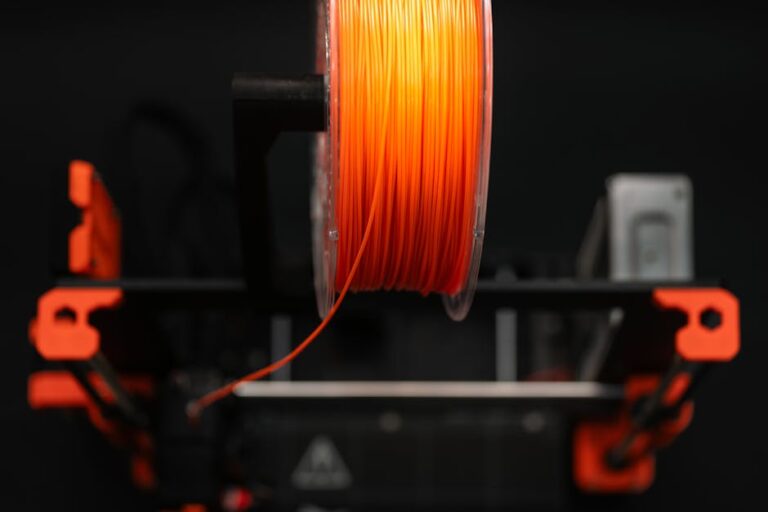
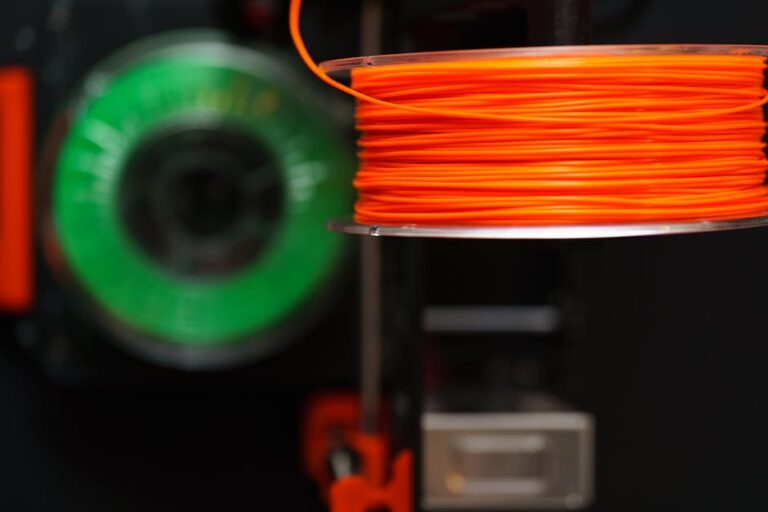
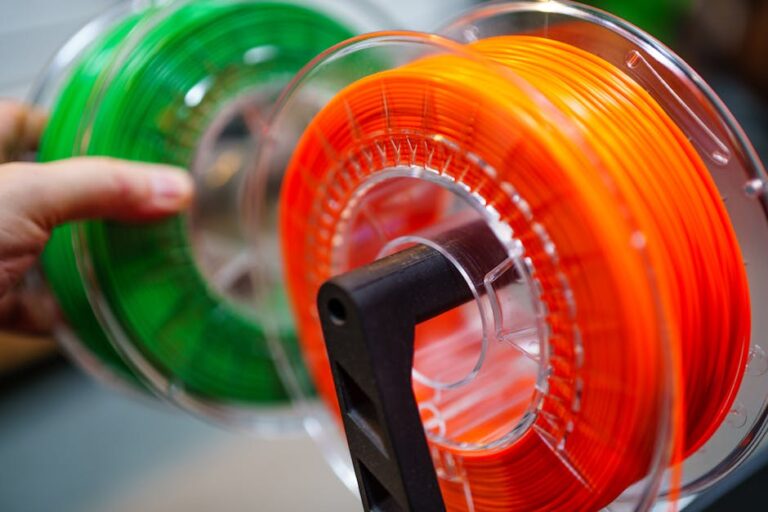
- Filament: You’ll definitely need material to print! Start with PLA (Polylactic Acid) as it’s the easiest to print with, forgiving of mistakes, and comes in countless colors. A high-quality spool like Overture PLA is a great starting point for consistent results.
- Basic Tool Kit: A sturdy spatula or scraper for removing prints from the build plate, flush cutters for trimming supports, and a set of Allen wrenches for maintenance are all indispensable.
- Adhesion Aids: While many modern print beds offer excellent adhesion, a simple glue stick can sometimes provide extra help for stubborn prints.
- Safety: Good ventilation is always recommended, especially for prolonged printing, to ensure air quality in your printing space.
Slicing Software: Your Printer’s Brain
To transform your digital 3D models into physical objects, you’ll need “slicing software.” This program takes your model and translates it into a series of instructions (G-code) that your 3D printer understands. Popular, free, and open-source slicers like Ultimaker Cura are widely used by beginners and professionals alike. Most printer manufacturers also provide their own specialized slicers, often simplified for ease of use. Learning the basics of your chosen slicer—understanding layer height, infill, and supports—is a crucial step in mastering your 3D printer.
Ready to Start Printing?
Choosing your first 3D printer today is an exciting decision, and with the incredible advancements in the technology, there has never been a better time to jump in. Whether you prioritize the speed and ease-of-use of a Bambu Lab A1 or the value and robust community support of an Ender-3 V3, you’re setting yourself up for a rewarding and creative journey. Remember, the best printer is the one that fits your needs and budget while inspiring you to create. For a comprehensive look at even more options, including some specialized machines, be sure to check out our top recommended 3D printer picks. Happy printing!
Ready to find your perfect 3D printer? Browse our complete guide to the best 3D printers — updated right now with expert picks at every budget.
Shop top-rated 3D printers on Amazon: Bambu Lab A1 | Creality Ender 3 | Prusa MK4