Best Print Speeds for Quality 3d Prints
One of the most exciting aspects of 3D printing is watching your creations come to life, layer by layer. But how fast should those layers go down? It’s a question that plagues beginners and seasoned enthusiasts alike: what are the best print speeds for quality 3D prints? Push your printer too fast, and you risk a messy failure. Go too slow, and you’ll be waiting forever. Finding that perfect sweet spot where speed meets impeccable quality is an art and a science, and we’re here to help you master it. Check out our best 3D printers guide.
The Speed-Quality Trade-Off: A Fundamental Principle
At its core, 3D printing speed and print quality exist on a spectrum with an inverse relationship. Generally, the faster you print, the more compromises you make on surface finish, dimensional accuracy, and overall part strength. Conversely, slowing things down typically leads to smoother surfaces, more precise details, and stronger parts. However, modern printers and advancements in slicing software are continually blurring these lines, allowing for impressive speeds without sacrificing too much quality.
Understanding Print Speed Metrics
When you explore your slicer settings (like PrusaSlicer or Cura), you’ll encounter various speed parameters, not just one “print speed.” Here’s a quick breakdown:
- Print Speed (or Overall Print Speed): This is often the general speed for most of the print, particularly infill.
- Outer Wall Speed: How fast the printer lays down the outermost perimeter of your model. Slower speeds here result in a smoother, more detailed exterior.
- Inner Wall Speed: Speed for internal perimeters. Can often be faster than outer walls without affecting visual quality.
- Top/Bottom Layer Speed: Controls the speed for the very first and very last layers. Slower speeds for the first layer are crucial for good bed adhesion, and slower top layers ensure a clean finish.
- Infill Speed: The fastest speed, as infill is typically hidden and doesn’t require high precision.
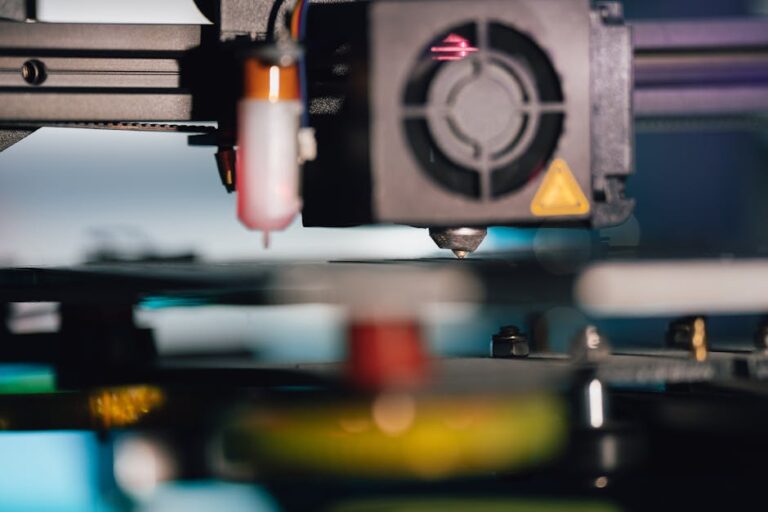
- Travel Speed: How fast the print head moves when not extruding filament. Faster travel speeds reduce stringing and overall print time.
Factors Influencing Optimal Print Speeds
There isn’t a universal “best” print speed because so many variables come into play. Understanding these factors is key to optimizing your settings.
Printer Capabilities and Design
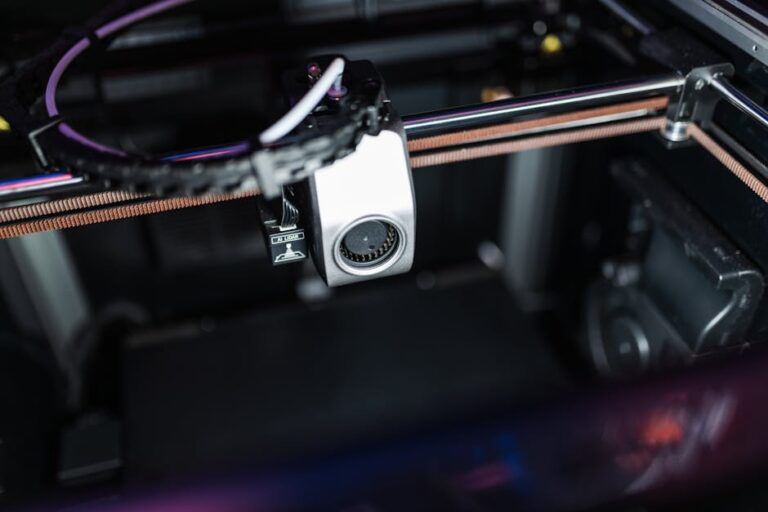
The type of 3D printer you own significantly impacts how fast you can print reliably. Entry-level FDM printers like many Creality Ender series models might struggle to maintain quality above 60-80mm/s. More advanced CoreXY printers, such as the Bambu Lab A1, are engineered for much higher speeds (often exceeding 200mm/s or even 500mm/s in some cases) thanks to rigid frames, better motion systems, and advanced firmware. Resin (SLA/DLP) printers also have speed considerations, but they are measured differently (layer exposure time rather than print head movement).
Filament Type
Different materials behave uniquely under heat and stress, dictating their optimal print speeds:
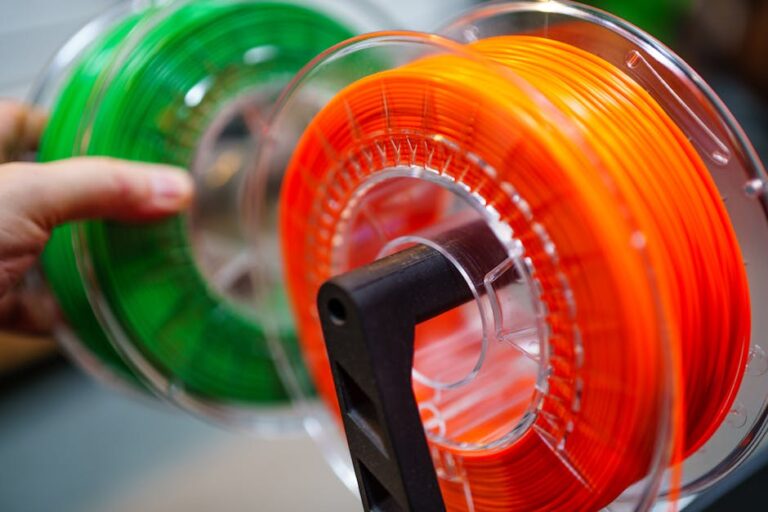
- PLA: Generally the most forgiving and can tolerate higher speeds (50-100mm/s) while maintaining good quality. Brands like Overture PLA or Hatchbox PLA are excellent for general printing.
- PETG: More prone to stringing and oozing than PLA, so slightly slower speeds (40-80mm/s) are often recommended for optimal results with PETG filament.
- ABS: Similar to PETG in speed requirements (40-80mm/s) and often benefits from an enclosed printing environment to prevent warping.
- TPU (Flexible Filaments): These are the slowest. Their elasticity makes them challenging to push through the nozzle quickly, often requiring speeds as low as 10-30mm/s.
Nozzle Diameter and Layer Height
A larger nozzle (e.g., 0.6mm instead of 0.4mm) can extrude more plastic per second, allowing for faster prints without necessarily compromising quality. Similarly, thicker layer heights mean fewer layers are needed to complete a print, which can effectively speed up the process, though at the cost of visible layer lines. When aiming for the absolute best print speeds for quality 3D prints, these parameters are critical.
Model Complexity and Geometry
Prints with intricate details, sharp corners, small features, or significant overhangs will almost always require slower speeds to achieve good results. Complex geometries give the hotend less time to accurately deposit plastic and the layers less time to cool before the next layer is added. Simpler, blockier models can often handle higher speeds without issue.
Slicer Settings and Customization
Your slicer software is your ultimate control panel. Beyond the basic speed settings, features like acceleration and jerk settings play a massive role. High acceleration can help achieve higher overall speeds even with lower print speeds by quickly getting the print head up to speed and slowing it down. Cooling settings also impact how fast layers can be deposited without deforming.
Finding Your Print Speed Sweet Spot
So, how do you find the best speed for your specific printer, filament, and model?
Start Slow, Experiment Gradually
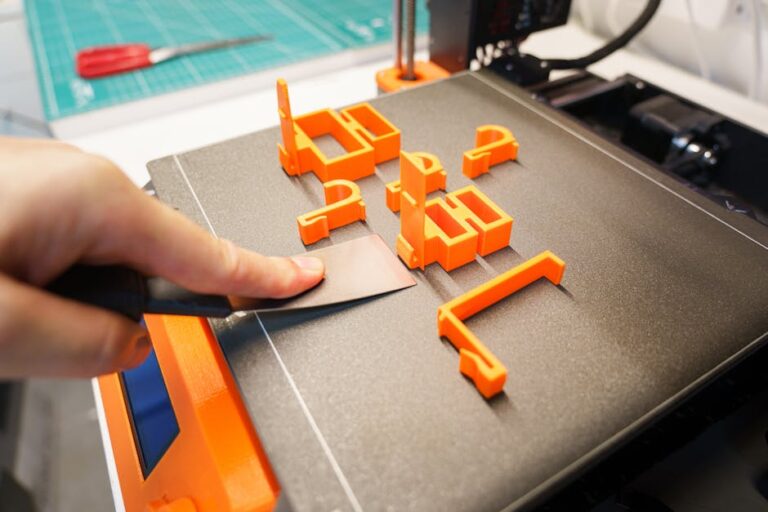
A good rule of thumb is to start with the filament manufacturer’s recommended settings or a conservative speed (e.g., 40-50mm/s for PLA). Print a small test model. If the quality is good, increase the overall print speed in increments of 5-10mm/s and print the same test model again. Repeat until you start seeing quality degradation (stringing, poor layer adhesion, ringing, etc.). Then, back off to the last speed where quality was acceptable.
use Calibration Prints
Specialized calibration prints, such as “speed towers,” are invaluable. These prints progressively change speed (or other parameters) at different heights, allowing you to visually identify the optimal settings for your setup in a single print.
Monitor Your Prints Closely
Pay attention to how your printer sounds and looks during the print. Listen for skipped steps, observe layer adhesion, and check for any signs of under-extrusion or over-extrusion as speeds change. The best way to learn is by doing and observing.
General Speed Recommendations (Starting Points)
While highly dependent on your setup, here are some general speed ranges to kickstart your experimentation when striving for the best print speeds for quality 3D prints:
- PLA: 50-100mm/s (outer walls 30-60mm/s)
- PETG: 40-80mm/s (outer walls 25-50mm/s)
- ABS: 40-80mm/s (outer walls 25-50mm/s)
- TPU/Flexible: 10-30mm/s (outer walls 10-20mm/s)
Remember, these are just starting points. High-end printers or finely tuned machines can often exceed these recommendations significantly. If you’re looking to upgrade to a printer that can handle higher speeds with ease, check out our top recommended 3D printer picks.
Finding the perfect balance between speed and quality is an ongoing journey of calibration and experimentation. Don’t be afraid to tweak your settings, print test models, and observe the results. With a little patience, you’ll soon be consistently producing high-quality prints at speeds that optimize your workflow and bring your 3D printing projects to life faster and better.
Ready to upgrade your printer or stock up on new filaments to push your speed boundaries? Visit 3dshopper.com for the latest deals and expert reviews on all your 3D printing needs!
Ready to find your perfect 3D printer? Browse our complete guide to the best 3D printers — updated right now with expert picks at every budget.
Shop top-rated 3D printers on Amazon: Bambu Lab A1 | Creality Ender 3 | Prusa MK4