How to Print With Carbon Fiber Filament Safely
Carbon fiber filament has revolutionized the world of 3D printing, offering incredible strength, stiffness, and a beautiful matte finish to your creations. If you’ve ever wanted to print parts that can withstand more stress, are lighter, or have superior dimensional stability, carbon fiber blends are your go-to. However, unlike printing with standard PLA or PETG, learning how to print carbon fiber filament safely and effectively requires a bit more preparation and attention to detail. This guide will walk you through everything you need to know to achieve fantastic results while keeping safety a top priority. Check out our best 3D printers guide.
What Exactly is Carbon Fiber Filament?
When we talk about carbon fiber filament in desktop 3D printing, we’re typically referring to a composite material. This isn’t pure carbon fiber, but rather a base polymer—like Nylon, PETG, ABS, or even PLA—that has been infused with short, chopped strands of carbon fiber. These tiny fibers reinforce the base material, significantly enhancing its mechanical properties.
The benefits are substantial:
- Increased Strength and Stiffness: Parts become incredibly rigid and resistant to bending or breaking.
- Lightweight: Despite the added strength, carbon fiber blends often result in lighter parts compared to pure plastic due to their excellent strength-to-weight ratio.
- Dimensional Stability: Reduced warping and shrinkage, leading to more accurate prints.
- Improved Surface Finish: Often provides a desirable matte, non-glossy appearance that can hide layer lines.
These properties make carbon fiber filament ideal for functional prototypes, drone frames, RC car parts, tools, jigs, fixtures, and anything requiring high performance.
Essential Gear and Safety Measures for Printing Carbon Fiber Filament
Before you even think about loading that spool, it’s crucial to understand that carbon fiber filament is abrasive and, more importantly, can release fine particles during printing. Safety and proper equipment are non-negotiable.
1. Hardened Steel Nozzle (or even harder)
This is perhaps the most critical hardware upgrade. The carbon fibers are incredibly abrasive and will quickly wear down a standard brass nozzle, enlarging its diameter and ruining print quality. You’ll need a hardened steel, tool steel, or ruby-tipped nozzle. While a regular brass nozzle might last a print or two, it’s a false economy.
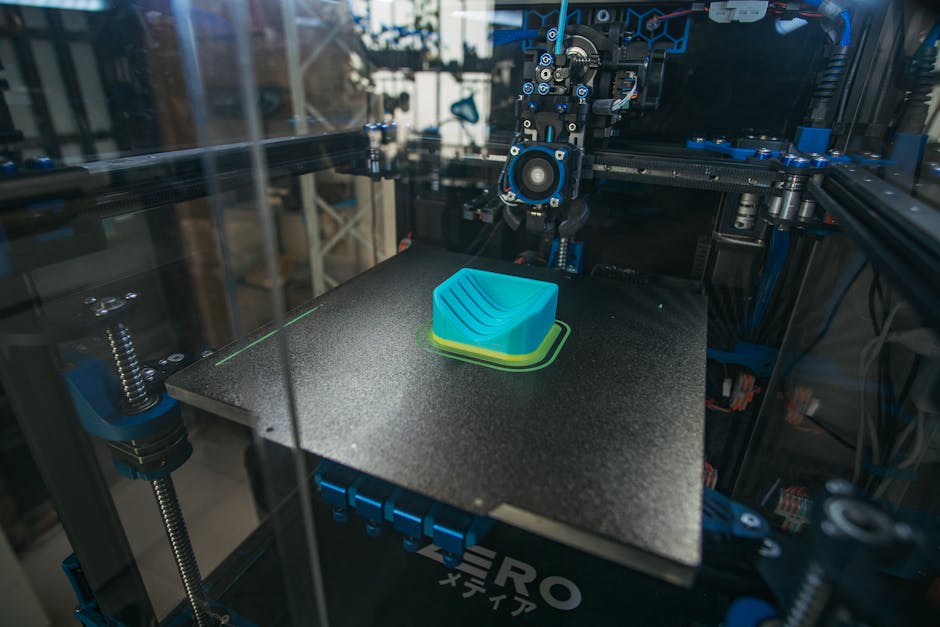
2. Enclosed Printer or Enclosure
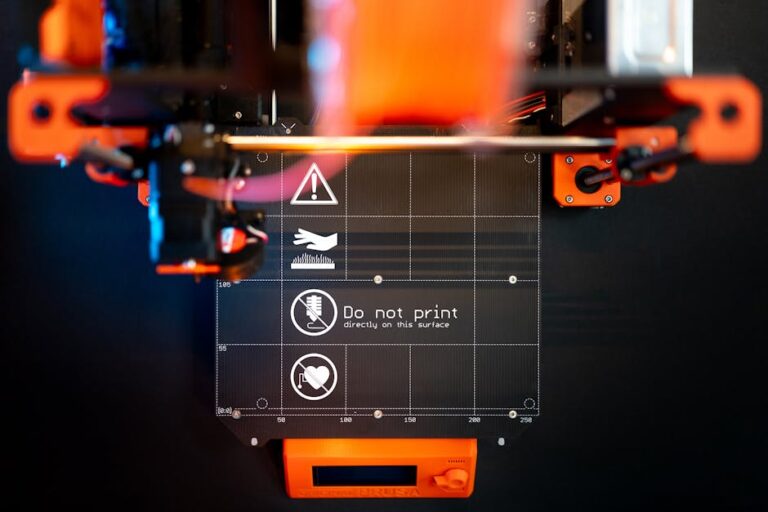
An enclosure serves multiple purposes when you print carbon fiber filament. First, it helps maintain a stable temperature around the print, which is beneficial for base polymers like ABS or Nylon to prevent warping. Second, and crucially for safety, it helps contain any fine carbon fiber particles released during printing. Many high-end printers, like the Prusa MK4, can be enclosed, or you can add an aftermarket enclosure to a more open frame printer.
3. Proper Ventilation and Air Filtration
When printing, tiny carbon fiber particles, along with ultra-fine plastic particles (UFPs) and volatile organic compounds (VOCs) from the melted plastic, can become airborne. Inhaling these can be harmful to your respiratory system. Always print in a well-ventilated area. Consider using an air purifier with a HEPA and activated carbon filter specifically designed for 3D printing, or vent exhaust directly outdoors. A simple DIY ventilation setup can make a big difference in air quality.
4. Filament Dryer
Many base polymers used for carbon fiber filament, especially Nylon and PETG, are highly hygroscopic, meaning they absorb moisture from the air. Moist filament leads to poor print quality, stringing, and weakened parts. A filament dryer is an excellent investment to keep your spools dry before and even during printing.
5. Personal Protective Equipment (PPE)
- Safety Glasses: Always a good idea in any workshop, especially when dealing with potentially brittle materials or during post-processing.
- Respirator Mask: A proper P100 particulate respirator is recommended when handling raw carbon fiber filament, cleaning your printer, or especially during post-processing like sanding, which can release many fine fibers.
- Gloves: Protect your hands from the fibers, which can sometimes cause irritation.
Optimizing Your Printer Settings for Carbon Fiber Filament
Beyond hardware, tweaking your slicer settings is key to successful and safe carbon fiber prints.
Nozzle and Bed Temperature
Refer to your specific filament manufacturer’s recommendations. Generally, carbon fiber blends require slightly higher nozzle temperatures than their non-reinforced counterparts to ensure proper flow and adhesion. Bed temperature will also depend on the base material (e.g., 60-80°C for PETG-CF, 80-110°C for Nylon-CF).
Print Speed
Slow and steady wins the race. Carbon fiber filaments are stiffer and don’t flow quite as easily as regular plastics. Reducing your print speed (e.g., 30-60mm/s) helps ensure proper extrusion, layer adhesion, and prevents excessive stress on your extruder.
Retraction Settings
Due to the abrasive nature of the fibers, excessive retraction can cause wear in your extruder gears or hotend. Experiment to find the minimum effective retraction distance and speed to prevent stringing without causing clogs.
Layer Height
While you can print with various layer heights, some users find that slightly larger layer heights (e.g., 0.2mm – 0.28mm for a 0.4mm nozzle) can help with flow and give the chopped fibers more space to orient themselves, potentially improving strength. Avoid extremely fine layer heights as they can sometimes exacerbate clogging.
Cooling
Often, less cooling is better for carbon fiber prints, especially for materials like Nylon-CF or ABS-CF, to promote better layer adhesion and part strength. Excessive cooling can lead to brittle parts and warping.
Build Plate Adhesion
Depending on the base material, you might need different adhesion solutions. A PEI sheet is often an excellent all-rounder. For more challenging materials like Nylon-CF, a thin layer of PVA glue stick or even a specialized adhesive like Magigoo might be necessary. Ensure your first layer is squished just right to ensure maximum surface contact.
Step-by-Step Guide to Safely Print Carbon Fiber Filament
- Prepare Your Printer: Install your hardened nozzle. Ensure your printer is clean and well-maintained.
- Set Up Your Environment: Position your enclosed printer, ensure ventilation is active, and have your PPE ready.
- Dry Your Filament: Always dry your carbon fiber filament before printing, even if it’s new out of the package.
- Slicer Settings: Load your filament profile and adjust settings according to manufacturer recommendations and the tips above. Don’t forget to check out our Cura guide for more general slicing tips!
- First Layer Calibration: A perfect first layer is paramount. Double-check your Z-offset.
- Monitor the Print: Keep an eye on the print for signs of clogging, poor adhesion, or other issues.
- Post-Processing with Care: If you need to sand or machine your carbon fiber parts, always do so in a well-ventilated area while wearing a P100 respirator mask and safety glasses. Clean up dust thoroughly with a HEPA vacuum, not by blowing it away.
Common Challenges and Troubleshooting
- Nozzle Clogging: The most common issue. Ensure proper temperature, slow print speed, and check for too much retraction. A cold pull can sometimes clear a stubborn clog.
- Warping: Typically due to insufficient bed adhesion, incorrect bed temperature, or lack of an enclosure.
- Poor Layer Adhesion: Often caused by too much cooling, insufficient nozzle temperature, or printing too fast.
- Wear and Tear: Regularly inspect your hardened nozzle for wear. Also check your extruder gears and Bowden tubes (if applicable) as these can also suffer from abrasion.
Conclusion: Embrace the Power of Carbon Fiber Safely
Printing with carbon fiber filament opens up a world of possibilities for creating incredibly strong, lightweight, and dimensionally stable 3D prints. While it requires a bit more upfront investment in both gear and knowledge, the results are undeniably worth it. By prioritizing safety, using the correct hardware, and dialing in your print settings, you’ll be well on your way to mastering this advanced material. Remember, patience and proper preparation are your best friends when venturing into the realm of composite filaments.
Ready to upgrade your 3D printing game with carbon fiber or other specialty filaments like PETG filament? Visit 3dshopper.com to find the best 3D printers, accessories, and filaments to bring your strongest ideas to life!
Ready to find your perfect 3D printer? Browse our complete guide to the best 3D printers — updated right now with expert picks at every budget.
Shop top-rated 3D printers on Amazon: Bambu Lab A1 | Creality Ender 3 | Prusa MK4